
LV005-Netwox
本文主要是网络基础——Netwox工具介绍和使用的相关笔记,若笔记中有错误或者不合适的地方,欢迎批评指正😃。
一、netwox简介
netwox是由 lauconstantin 开发的一款网络工具集,适用群体为网络管理员和网络黑客,它可以创造任意的 TCP、UDP 和 IP 数据报文,可以实现网络欺骗,并且可以在 Linux 和 Windows 系统中运行。
该工具包含了200多个工具,这些工具都有自己的编号,我们通过编号就可以开始使用这些工具。
二、netwox安装
这里介绍netwox工具在Ubuntu和Windows下的安装方式,但是后边使用的话,还是以Ubuntu中为主。
1. 在Ubuntu中安装
默认情况下,在Ubuntu中是没有安装这个工具的,我们执行一下netwox,然后会得到以下提示:
Command 'netwox' not found, but can be installed with:
sudo apt install netwox然后我们按照提示,使用以下命令安装该工具即可:
sudo apt install netwox然后就会进行安装啦,安装完成后,我们执行netwox命令,若进入netwox菜单界面,则说明已安装成功:
Netwox toolbox version 5.39.0. Netwib library version 5.39.0.

######################## MAIN MENU #########################
 0 - leave netwox
 3 - search tools
 4 - display help of one tool
 5 - run a tool selecting parameters on command line
 6 - run a tool selecting parameters from keyboard
 a + information
 b + network protocol
 c + application protocol
 d + sniff (capture network packets)
 e + spoof (create and send packets)
 f + record (file containing captured packets)
 g + client
 h + server
 i + ping (check if a computer if reachable)
 j + traceroute (obtain list of gateways)
 k + scan (computer and port discovery)
 l + network audit
 m + brute force (check if passwords are weak)
 n + remote administration
 o + tools not related to network
Select a node (key in 03456abcdefghijklmno):2. 在Windows中安装
这款工具同样支持在Windows下使用,我们可以到下边的网址下载Windows下的安装包:
https://sourceforge.net/projects/ntwox/下载下来后,进行解压,会发现文件夹中有一个installwindows.exe可执行文件,我们双击运行,会弹出一个命令行窗口,我们按照提示输入相应的确定命令即可。
安装成功后,会发现桌面上多了一个Netwox539的图标,这就是我们安装好的netwox工具,双击运行,会有如下界面:
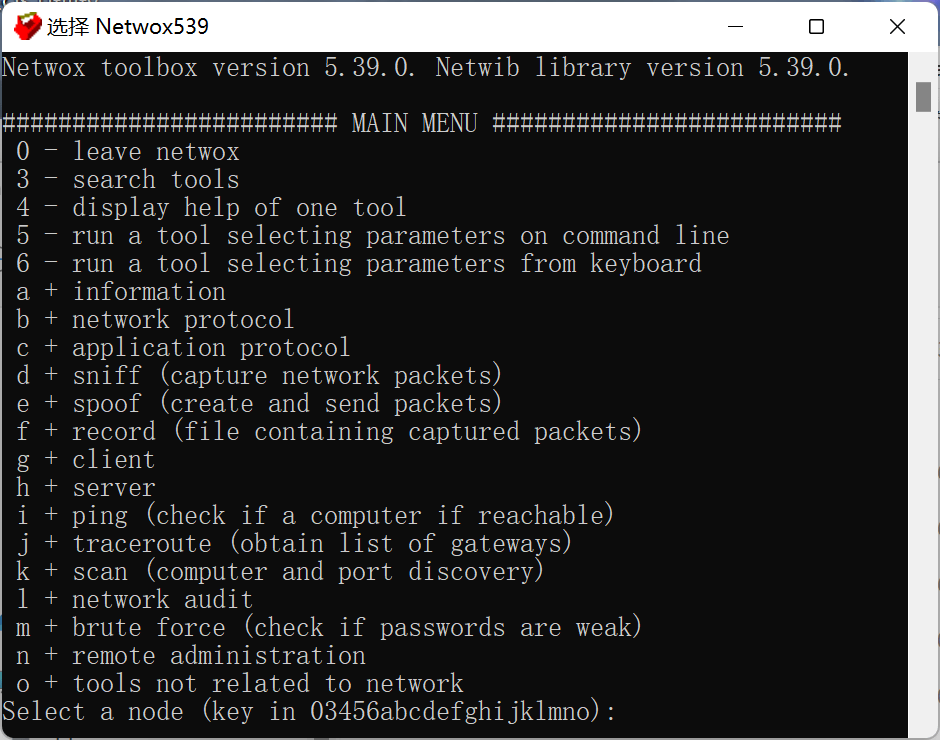
这与我们在Ubuntu中启动的菜单页面是一样的。
三、基本使用
1. netwox菜单
在Ubuntu中,我们使用netwox命令打开菜单选项:
Netwox toolbox version 5.39.0. Netwib library version 5.39.0.

######################## MAIN MENU #########################
 0 - leave netwox
 3 - search tools
 4 - display help of one tool
 5 - run a tool selecting parameters on command line
 6 - run a tool selecting parameters from keyboard
 a + information
 b + network protocol
 c + application protocol
 d + sniff (capture network packets)
 e + spoof (create and send packets)
 f + record (file containing captured packets)
 g + client
 h + server
 i + ping (check if a computer if reachable)
 j + traceroute (obtain list of gateways)
 k + scan (computer and port discovery)
 l + network audit
 m + brute force (check if passwords are weak)
 n + remote administration
 o + tools not related to network
Select a node (key in 03456abcdefghijklmno):菜单前边的序号就是菜单的快捷键,我们可以在菜单界面选择相应的序号来执行相关命令。菜单的含义大概如下所示:
0:退出 netwox 工具。
3:搜索工具,用来搜索与指定信息相关的模块。
4:显示指定模块的帮助信息。
5:在命令行中输入指定模块的参数选项并运行。
6:从键盘输入指定模块的参数选项并运行。
a:显示信息。
b:显示网络协议相关的模块。
c:显示应用程序协议相关的模块。
d:显示与嗅探数据包相关的模块。(捕获网络数据包)
e:显示与创建和发送数据包相关的模块。(创建和发送数据包)
f:显示与进行数据包记录相关的模块。(包含数据包捕获的文件)
g:显示与客户端相关的模块。
h:显示与服务器相关的模块。
i:显示与检测主机连通性相关的模块。
j:显示与路由跟踪相关的模块。(获得网关列表)
k:显示与扫描计算机和端口相关的模块。
l:显示与审计相关的模块。
m:显示与暴力破解相关的模块。
n:显示与远程管理相关的模块。
o:显示工具与模块。2. netwox的帮助?
首先我们通过man手册,查看一下这个命令的使用格式,在终端执行man netwox,就可以打开相关手册,阅读后,会了解到使用格式如下:
netwox  #  打开 netwox 工具的总体分类菜单
netwox number [ parameters... ]
netwox number --help
netwox number --help2这个工具有很多的命令,这里就记录了一些最基本的使用方式,具体的使用场景后边会慢慢接触到的。
3. 显示网络配置信息
netwox 1- 网络设备接口列表信息
################################### Devices ###################################
nu dev   ethernet_hwtype   mtu   real_device_name
1  Lo0   loopback          65536 lo
2  Eth0  00:0C:29:45:70:EB 1500  ens33
3 Eth1 00:0C:29:45:70:F5 1500 ens37| nu | 设备编号 |
| dev | 设备接口名称的简单形式 |
| ethernet_hwtype | 以太网地址或硬件类型 |
| mtu | MTU 值 |
| real_device_name | 设备接口名称的真正形式 |
IP地址列表信息
##################################### IP ######################################
nu ip             /netmask                    ppp point_to_point_with
1  127.0.0.1      /255.0.0.0                  0
1  ::1/128                                    0
2  192.168.10.101 /255.255.255.0              0
2  fe80::8c02:d542:197d:a89b/64               0
3  192.168.239.128/255.255.255.0              0
3 fe80::ec67:9bd4:65eb:469f/64 0| nu | 与此地址关联的设备编号 |
| ip | IP 地址 |
| netmask | 子网掩码 |
| ppp | 点对点的地址 |
| point_to_point_with | 远程端点的地址 |
IP4 ARP缓存或IP6邻居信息
############################## ArpCache/Neighbor #############################
nu ethernet          ip
2  00:0C:29:45:70:EB 192.168.10.101
2  00:0C:29:45:70:EB fe80::8c02:d542:197d:a89b
3  00:0C:29:45:70:F5 192.168.239.128
3  00:0C:29:45:70:F5 fe80::ec67:9bd4:65eb:469f
3  00:50:56:F0:0D:2D 192.168.239.254
3 00:50:56:F0:AF:C7 192.168.239.2| nu | 与此条目关联的设备编号 |
| ethernet | 计算机的以太网地址 |
| ip | 计算机的 IP 地址 |
- 路由信息
#################################### Routes ###################################
nu destination    /netmask         source              gateway           metric
1  127.0.0.1      /255.255.255.255 local                                      0
2  192.168.10.101 /255.255.255.255 local                                      0
3  192.168.239.128/255.255.255.255 local                                      0
2  192.168.10.0   /255.255.255.0   192.168.10.101                           100
3  192.168.239.0  /255.255.255.0   192.168.239.128                          101
2  169.254.0.0    /255.255.0.0     192.168.10.101                           1000
1  127.0.0.0      /255.0.0.0       127.0.0.1                                  0
3  0.0.0.0        /0.0.0.0         192.168.239.128     192.168.239.2        101
1  ::1/128                         local                                      0
2  fe80::8c02:d542:197d:a89b/128   local                                      0
3  fe80::ec67:9bd4:65eb:469f/128   local                                      0
2  fe80::/64                       fe80::8c02:d542:197d:a89b                  0
3 fe80::/64 fe80::ec67:9bd4:65eb:469f 0| nu | 与此条目关联的设备编号 |
| destination | 目标地址 |
| netmask | 掩码 |
| source | 源 IP 地址或本地路由 |
| gateway | 网关 |
| metric | 路线度量 |
netwox 2不仅会显示网络配置信息,还会显示调试信息