
LV005-zlib
一、zlib 库简介
1. 这是什么库?
zlib 是通用的压缩库,提供了一套 in-memory 压缩和解压函数,并能检测解压出来的数据的完整性(integrity)。zlib 也支持读写 gzip (.gz) 格式的文件。
2. 官网在哪
官网在这里:zlib Home Site,打开后如下:
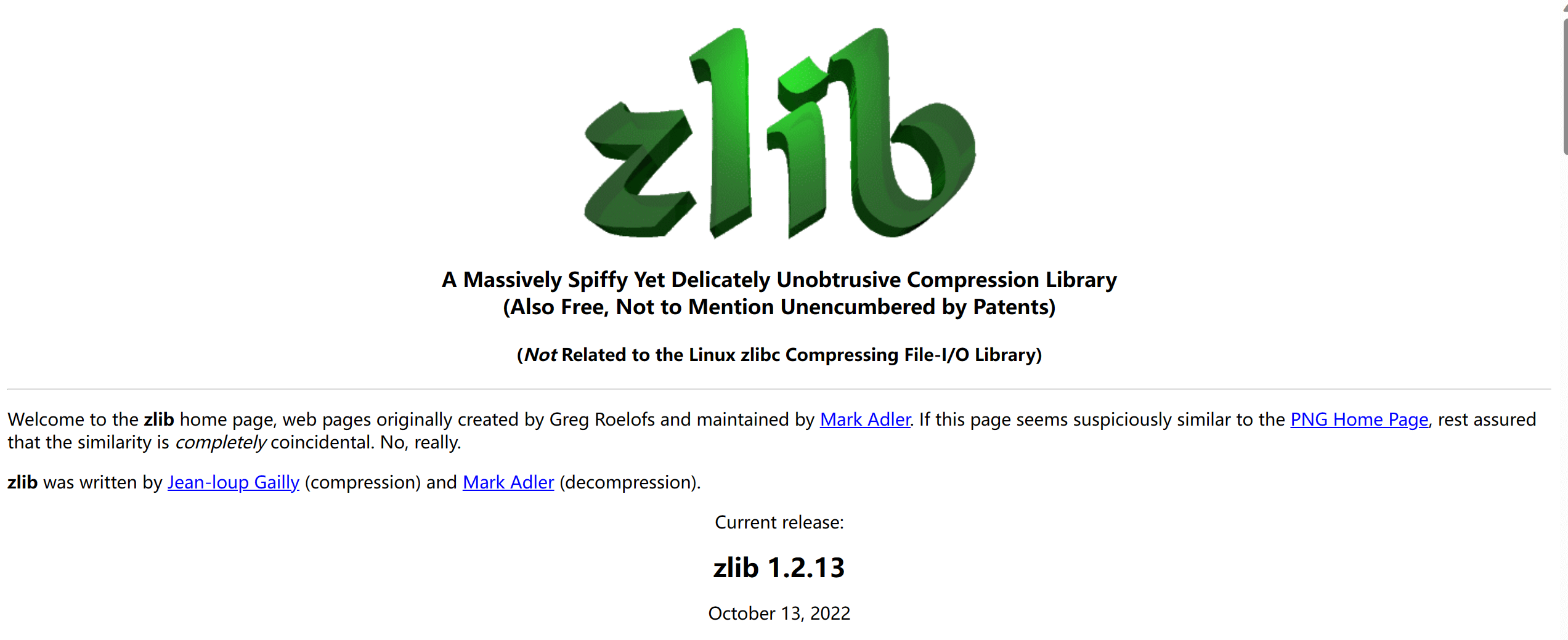
可以看到当前最新版本为 1.2.13。
3. 源码下载
我们可以在这里下载源码,也就是主页往下翻就能找到:
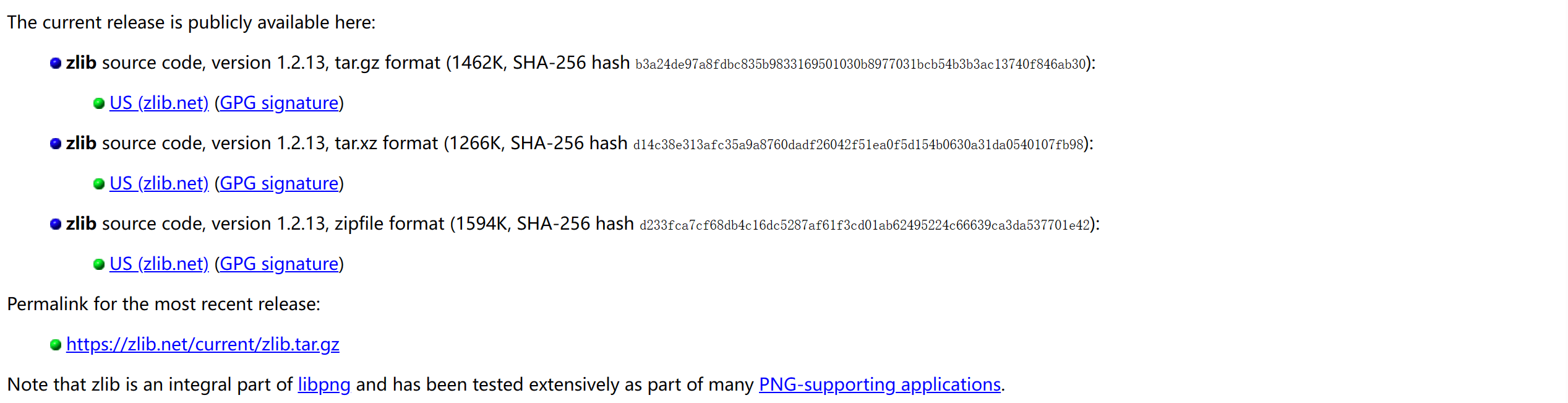
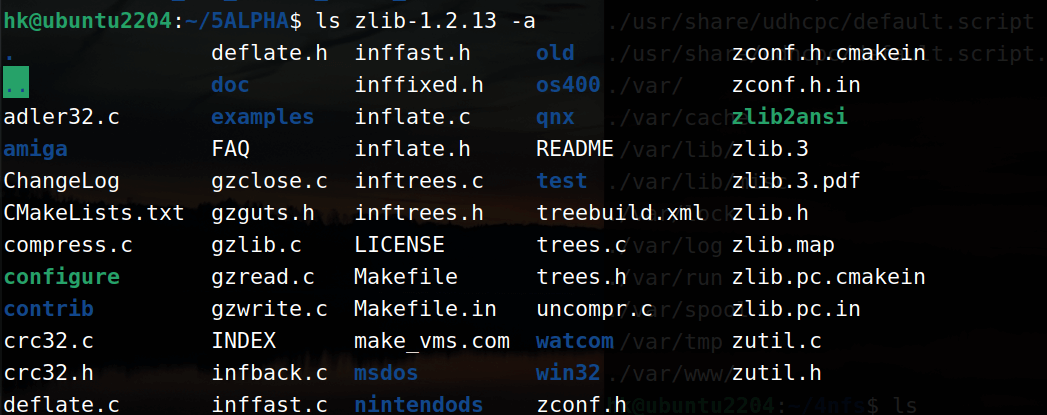
这里我就直接下载最新版本,然后解压后有如下文件和目录:
二、移植 zlib 库
1. 编译源码
我们首先进入刚才解压的源码目录:
shell
cd ~/5ALPHA/zlib-1.2.13/然后执行以下命令:
shell
mkdir -p ~/5ALPHA/zlib-1.2.13/zlib_output # 创建目录存放编译生成的文件

CC=arm-linux-gnueabihf-gcc LD=arm-linux-gnueabihf-ld AD=arm-linux-gnueabihfas ./configure --prefix=/home/hk/5ALPHA/zlib-1.2.13/zlib_output # 配置

make          # 编译

make install # 安装这个一般没什么坑,安装完毕后我们可以在 zlib_output 目录中看到以下文件:

我们将 lib 目录下的 zlib 库文件拷贝到开发板根文件系统的 /lib 目录下,命令为:
shell
sudo cp -rfa ~/5ALPHA/zlib-1.2.13/zlib_output/lib/* /home/hk/4nfs/buildroot/lib2. 测试库是否可用
我们编写一个测试文件
c
#include <stdio.h>
#include <zlib.h>

int main()
{
    /* 原始数据 */
    unsigned char strSrc[] = "hello world!你好世界......";
    unsigned char buf[1024] = {0};
    unsigned char strDst[1024] = {0};
    unsigned long srcLen = sizeof(strSrc);
    unsigned long bufLen = sizeof(buf);
    unsigned long dstLen = sizeof(strDst);

    printf("Src string:%s\nLength:%ld\n", strSrc, srcLen);

    /* 压缩 */
    compress(buf, &bufLen, strSrc, srcLen);
    printf("After Compressed Length:%ld\n", bufLen);

    /* 解压缩 */
    uncompress(strDst, &dstLen, buf, bufLen);
    printf("After UnCompressed Length:%ld\n",dstLen);

    printf("UnCompressed String:%s\n",strDst);

    return 0;
}然后在 ubuntu 中使用交叉编译工具链编译:
shell
rm-linux-gnueabihf-gcc zlib_test.c -o zlib_test -Wall -lz -L ~/5ALPHA/zlib-1.2.13/zlib_output/lib -I ~/5ALPHA/zlib-1.2.13/zlib_output/include/编译完成后,我们将它拷贝到根文件系统中,然后有以下打印说明移植的库可用:

不清楚为什么压缩一下还变大了,不过不重要,我们主要是验证库是否可以用